看到 报错信息 中有任务 killed ,一般是内存不够导致报错,增加服务器内存;
前面的任务killed 后面的任务 就会接连报错;
查看内存的方法:
free -h
运行命令是for query in 01.Alp 02.Gua 03.Sha 04.Nub 05.Hai 06.Sha 07.Boe 08.Tib 09.Saa 11.Kor 12.ARS;do
#仅仅保留染色体部分比对
seqkit grep -r -p '^chr\d+$' $datadir/$query.fa > $query.fa
## 比对,生成ref_query.delta
nucmer --maxmatch -g 1000 -c 90 -l 40 -t 5 -p $query ref.fa $query.fa
#nucmer -g 1000 -c 90 -l 40 -t 10 -p $query ref.fa $query.fa
## 1-to-1,比对结果过滤及表格生成 -Clr -x 1 -T
delta-filter -1 -r -q -i 90 -l 100 $query.delta > $query.1delta
show-coords -Tclrd $query.1delta > $query.1coords
## 多对多 比对
delta-filter -m -r -q -i 90 -l 100 $query.delta > $query.mdelta
#转换成人类可读的表格格式
show-coords -Tclrd $query.mdelta > $query.mcoords
#比对结果可视化
#Rscript $scriptsdir/mummerCoordsDotPlotly.R -i $query.mcoords -o $query.m -m 1000 -q 300000 -k 30 -s -t -l
#Rscript $scriptsdir/mummerCoordsDotPlotly.R -i $query.1coords -o $query.1 -m 1000 -q 300000 -k 30 -s -t -l
Rscript $scriptsdir/mummerCoordsDotPlotly.R -i $query.mcoords -o $query.m -m 1000 -q 300000 -s -t -l
Rscript $scriptsdir/mummerCoordsDotPlotly.R -i $query.1coords -o $query.1 -m 1000 -q 300000 -s -t -l
#使用 1 对 1 比对结果call SNP和indel
delta2vcf < $query.1delta > $query.snp_indel.vcf
#汇总结果,比对长度与数量
awk 'NR>4{ block ++; sum1 += $5; sum2 += $6; \
}END{print "ref length:\t"sum1"\nqrylength:\t"sum2"\nblocks:\t"block}' \
$query.1coords > $query.1coords.summary
awk 'NR>4{ block ++; sum1 += $5; sum2 += $6; \
}END{print "ref length:\t"sum1"\nqry length:\t"sum2"\nblocks:\t"block}' \
$query.mcoords > $query.mcoords.summary
done
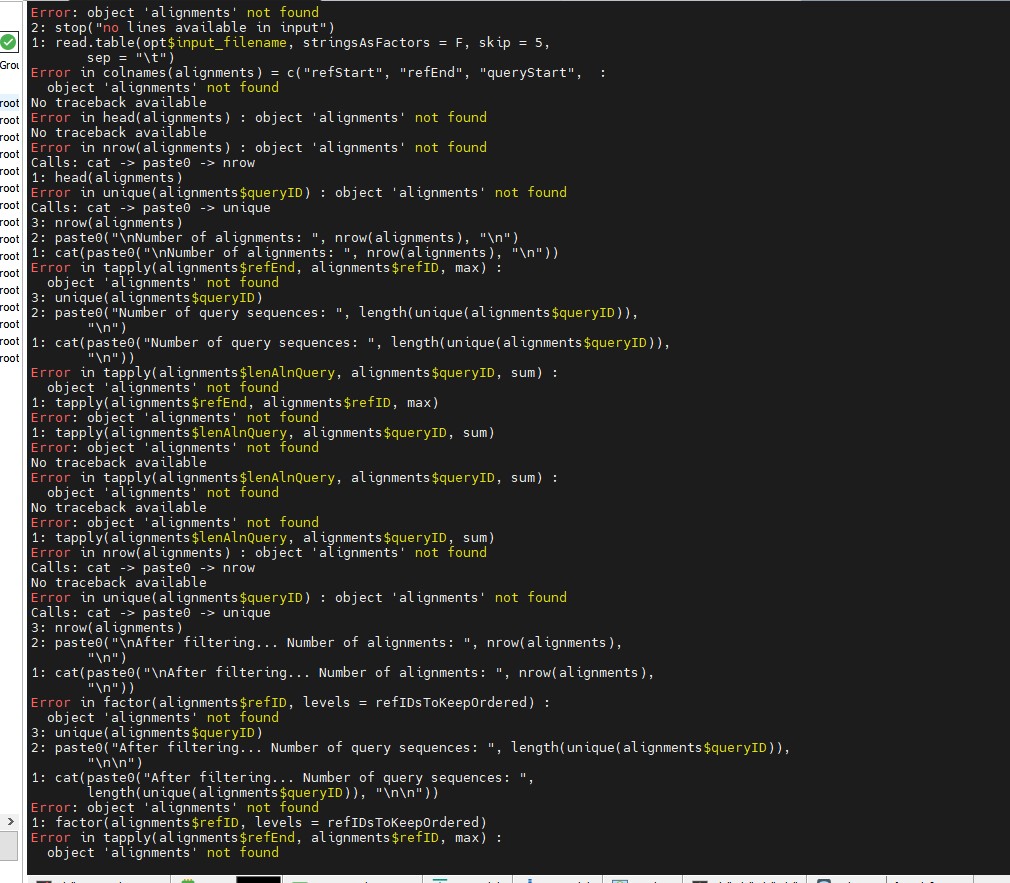
出现的是错误是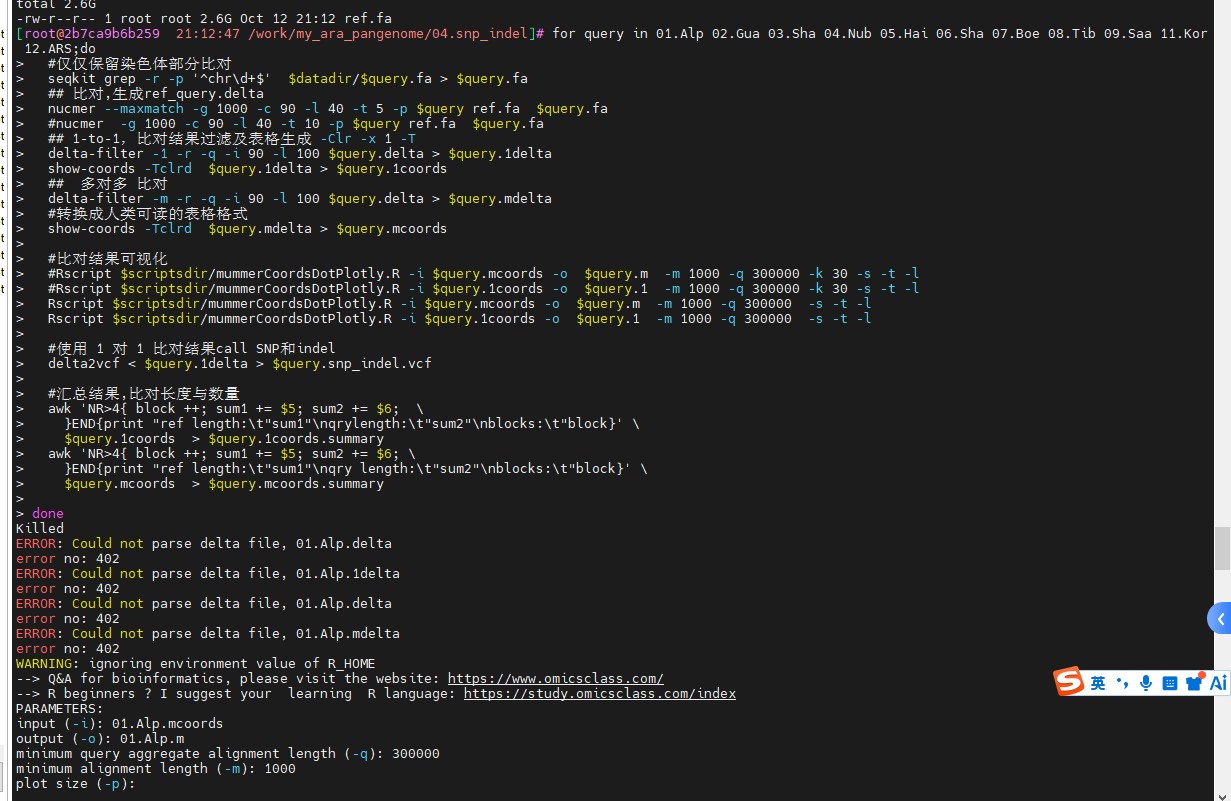
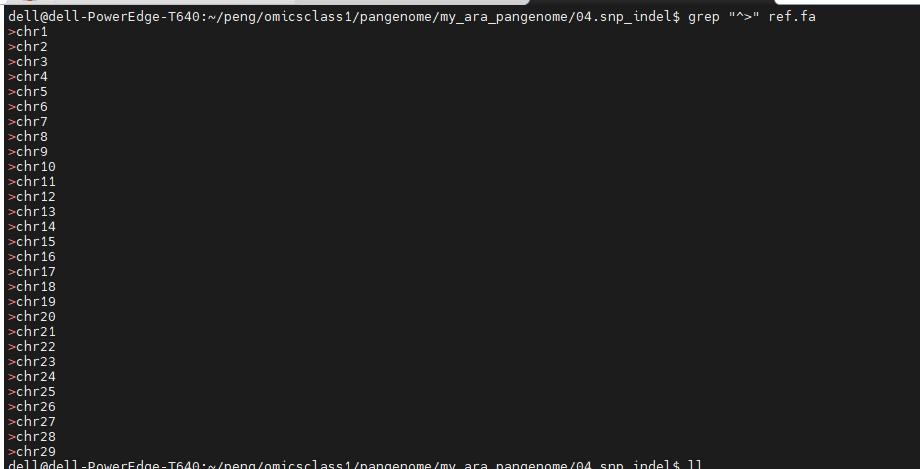
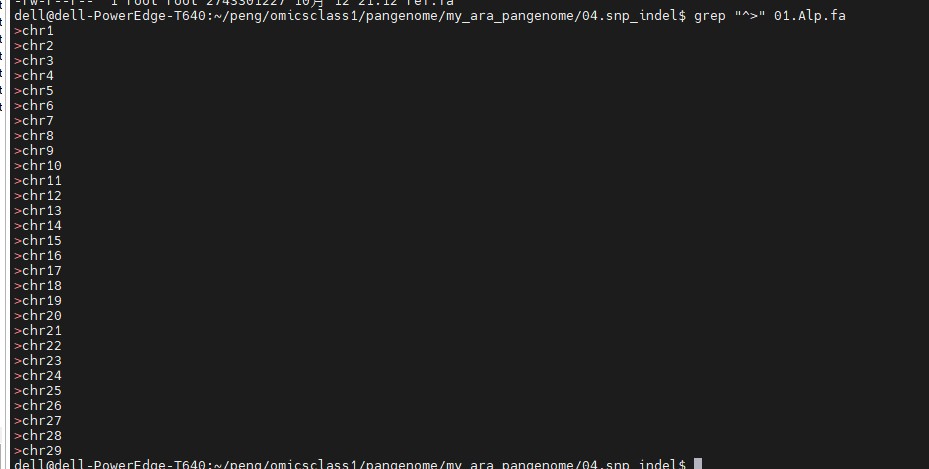
 染色体名称我都核对过了,都是对应的